 Ifscape
Ifscape features: glass objects you can put in the photo
Ifscape is a liquid glass camera for iPhone (version 1.0.2). Each feature is an object you place in front of the scene: a clock, fluted glass, a water film, a printed acetate, a vinyl card of the song in Music, a color card, stickers, text or ink. All of them are composed on the live view and saved into one photo.
Get Ifscape on the App StoreGlass clock
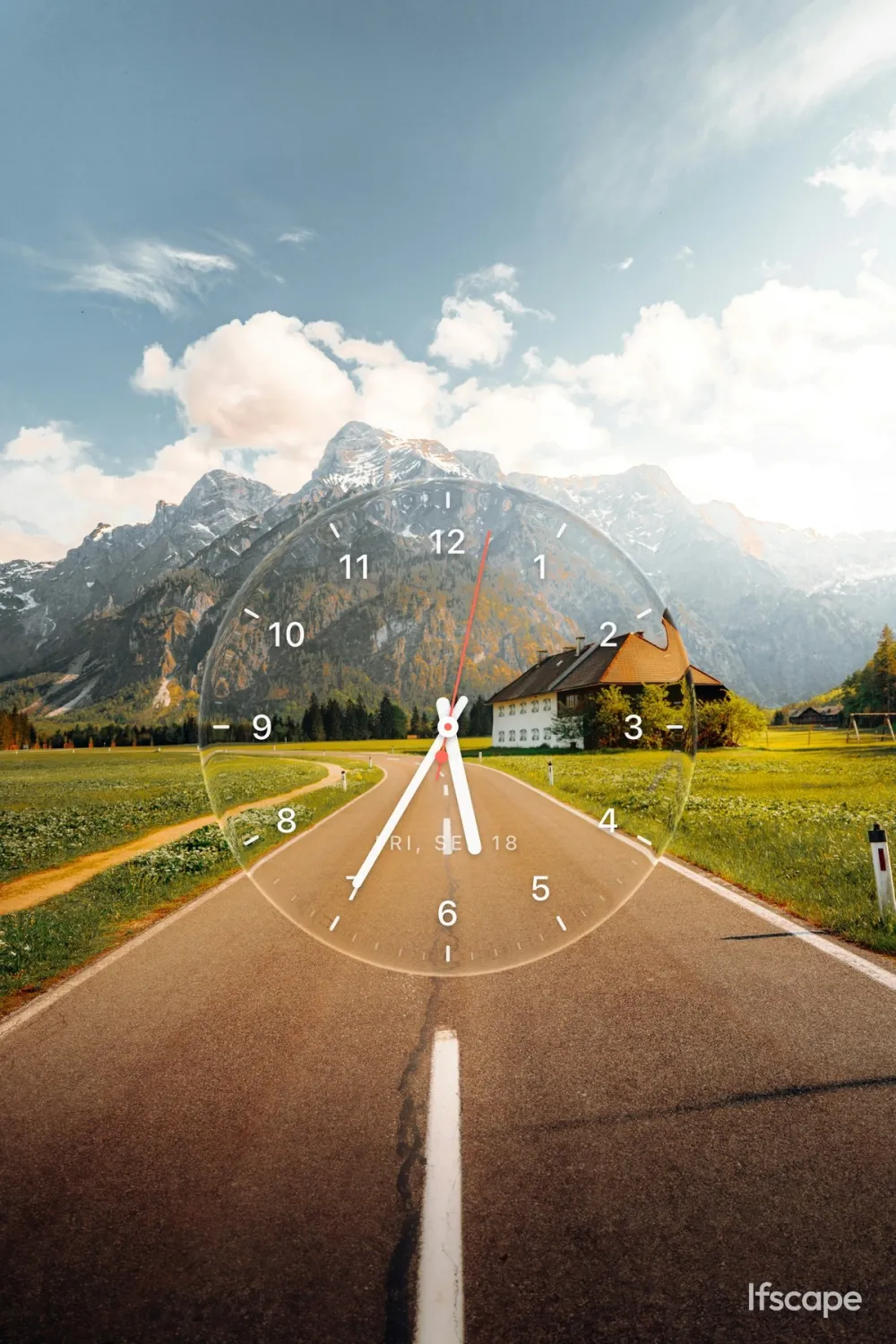
A transparent analog clock with tick marks, numbers, a date and hands. The scenery shows through the disc, so it reads as a clock standing in the landscape. It is the object shown on the home page. Clock is free. Guide: how to make a glass clock photo.
Vinyl (now playing)
A glass music card of the song hanging in the iOS Music app: cover, title, artist and playhead, with the real scene showing through. It is not a music player and it does not read Spotify. Vinyl is free. Guide: how to put the song in the photo.
Colors
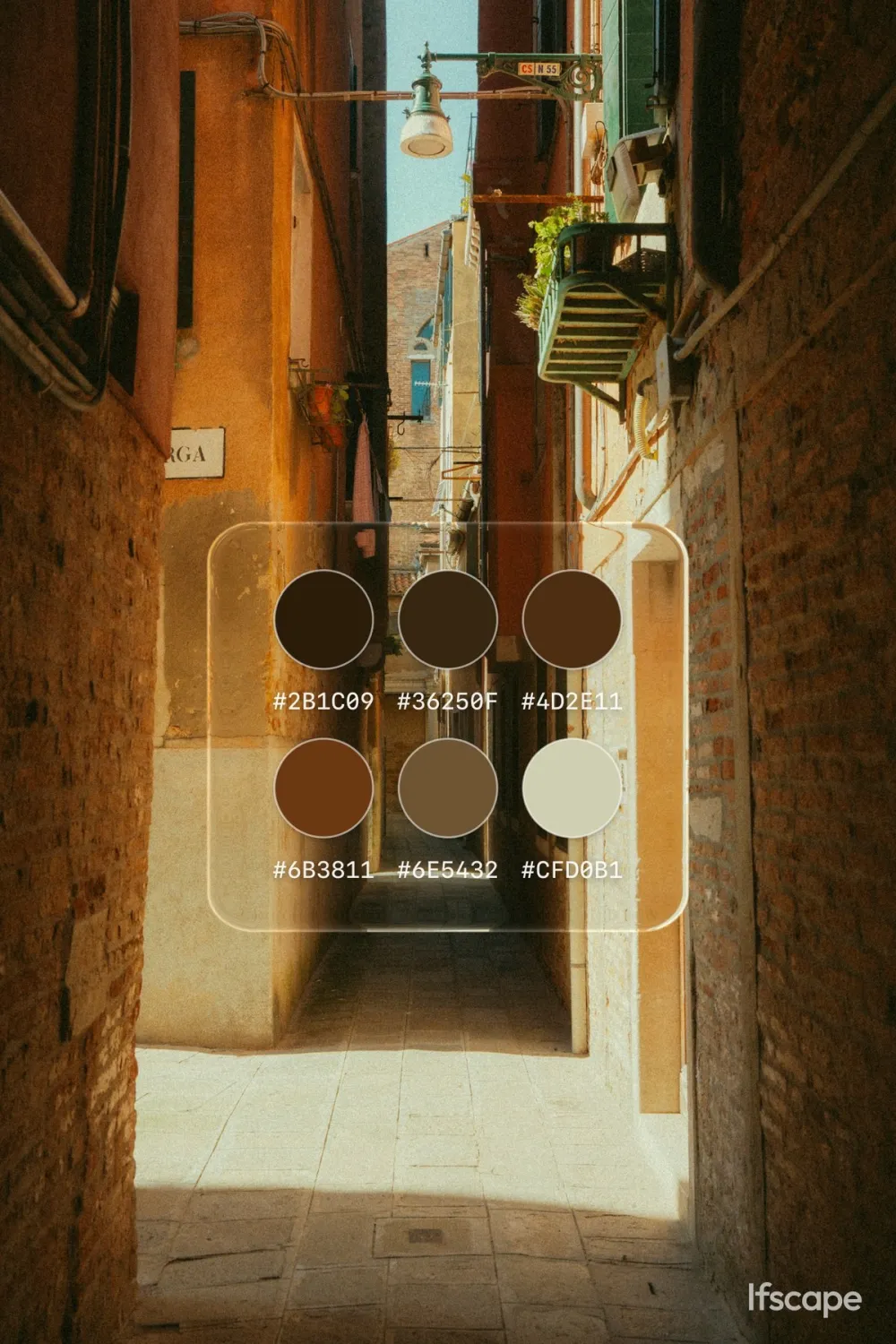
A transparent glass palette card that summarizes the colors of the scene you are shooting or have imported, with a main color and its hex value. It stays in the photo as part of the composition, so you do not need a design app to show the palette. Colors is free.
Stickers
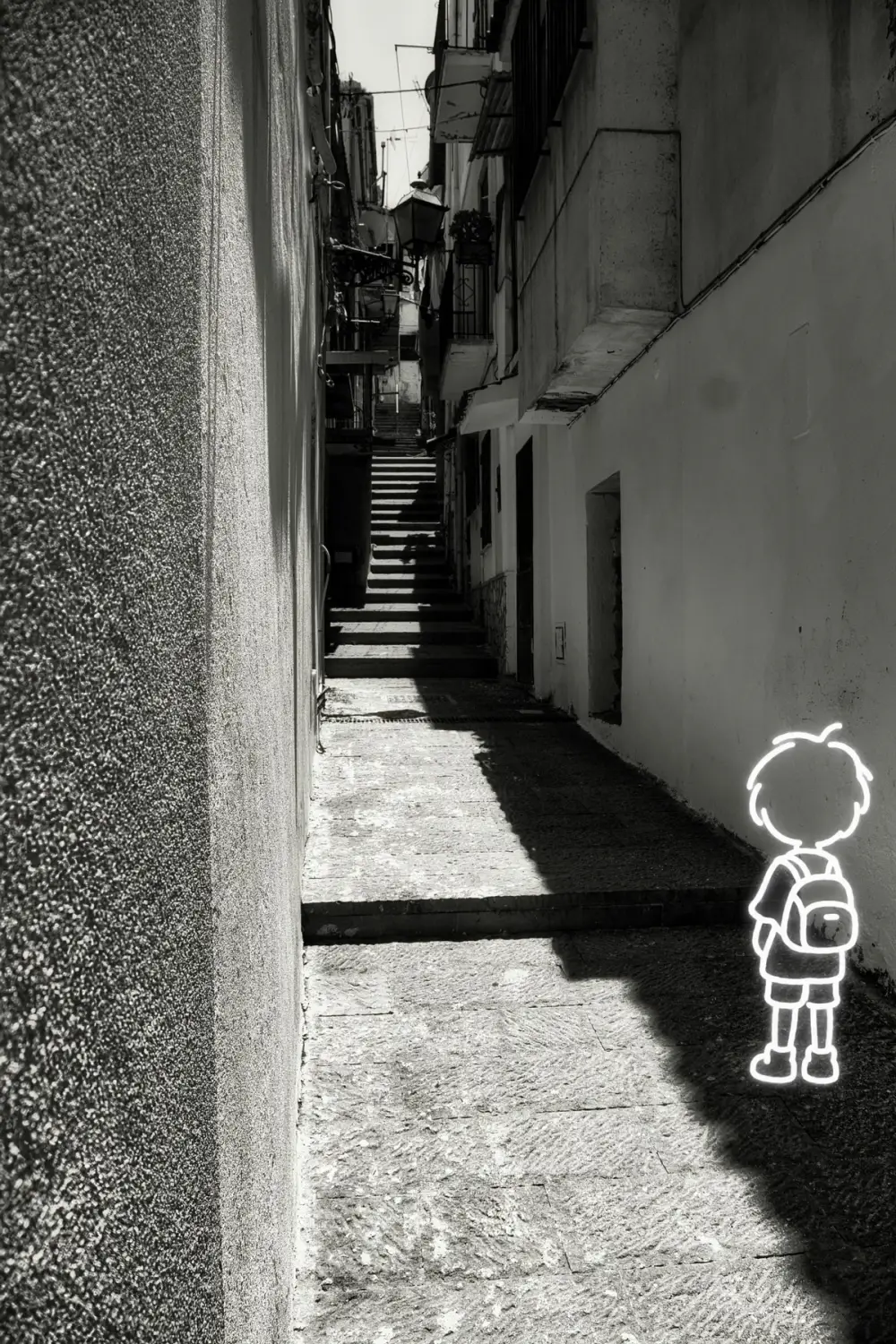
Stickers are small decorations placed live with the same drag, pinch and rotate gestures. They are made on transparent canvases, so they do not cover the photo with a rectangle. You can try them on the viewfinder; capturing them needs Ifscape Plus.
Text
A line of glass text that you place in the scene with the same drag, pinch and rotate gestures. Text is free.

Ink flow
Ink you drip, drag and rinse on the live view, inspired by Japanese suminagashi marbling. The shutter saves the pattern of that moment on top of the scenery. Ink is free and still an experimental object.
Flute (fluted glass)
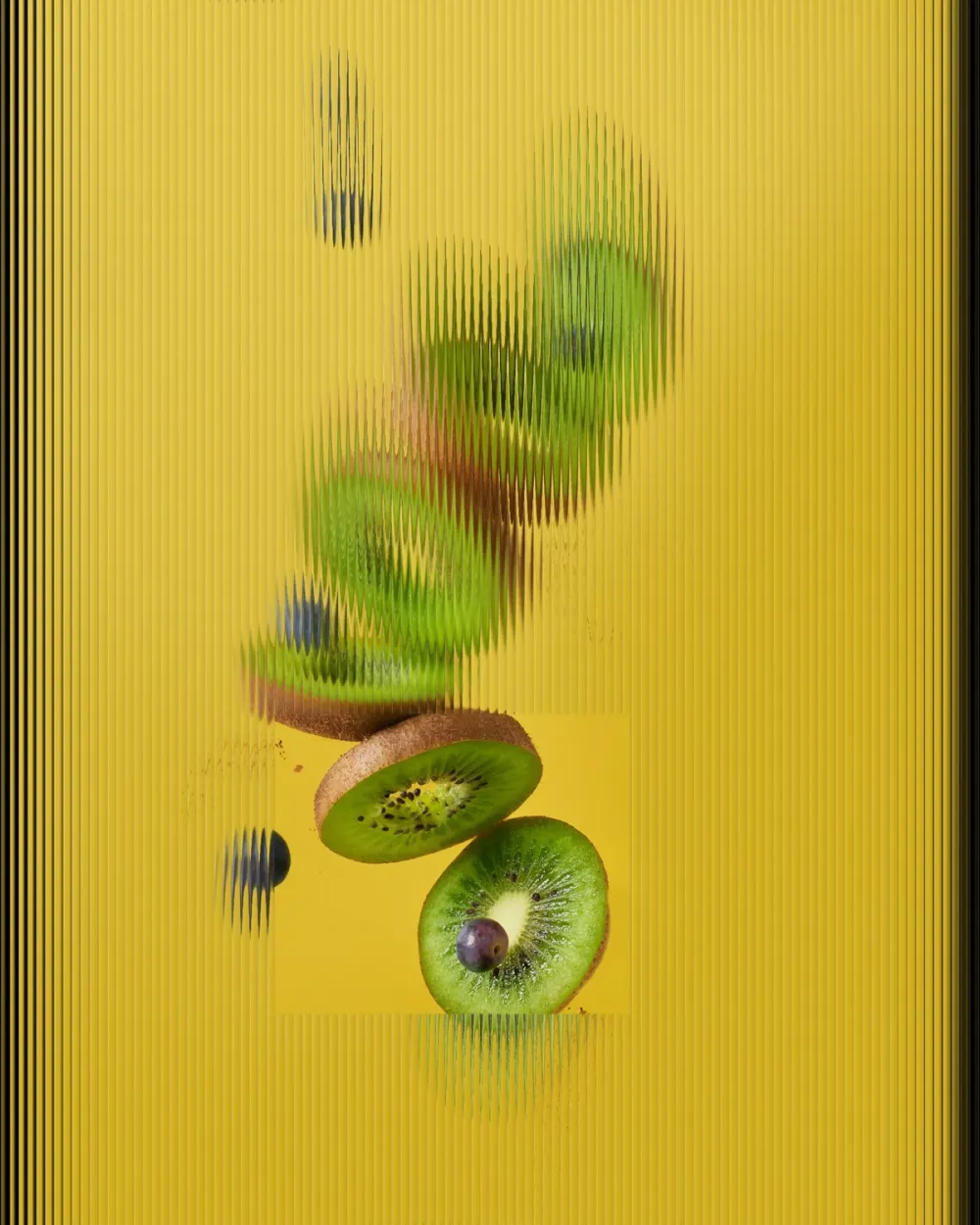
Fluted, reeded glass over the whole frame, with clear windows you can move. Drag a window to move it, drag a corner to change its shape, pinch to scale, and double-tap empty glass to add another window (up to four). The thin white outline you see while framing does not appear in the saved photo. You can use the live camera or an imported photo. Flute can be tried in the viewfinder; saving it needs Ifscape Plus. Guide: fluted glass photo effect on iPhone.
Water
A film of water over the whole scene: waves and highlights sit on top of whatever you are pointing at, as if the photo were under a thin layer of water. There is no waterline to drag. Water can be tried in the viewfinder; saving it needs Ifscape Plus.
A printed acetate standing in front of the scene. Outside the window you see spot color and halftone; inside the window the live scene stays clear. The windows use the same move, resize and multi-window gestures as Flute. Print can be tried in the viewfinder; saving it needs Ifscape Plus.
Style, Words and Calories
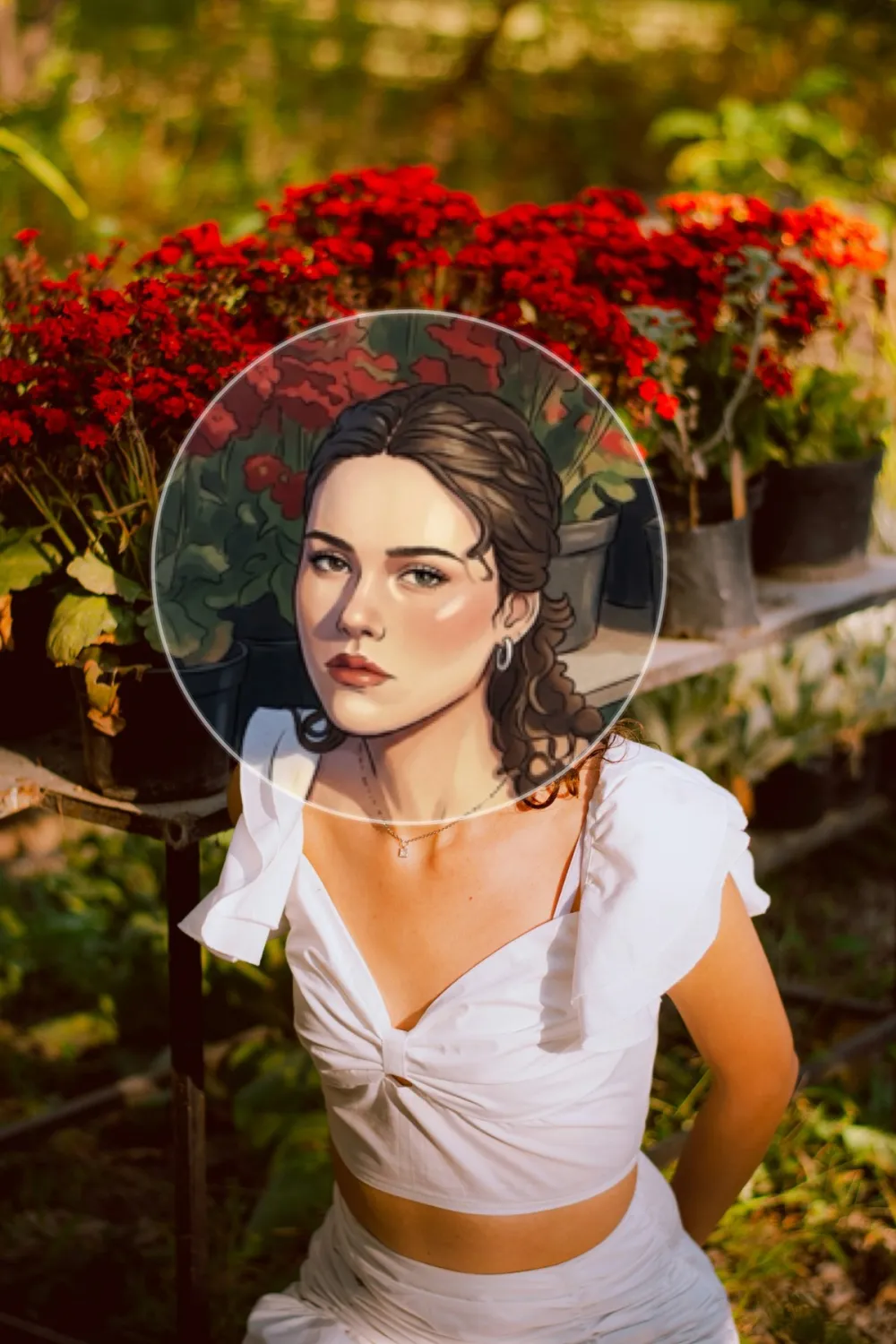
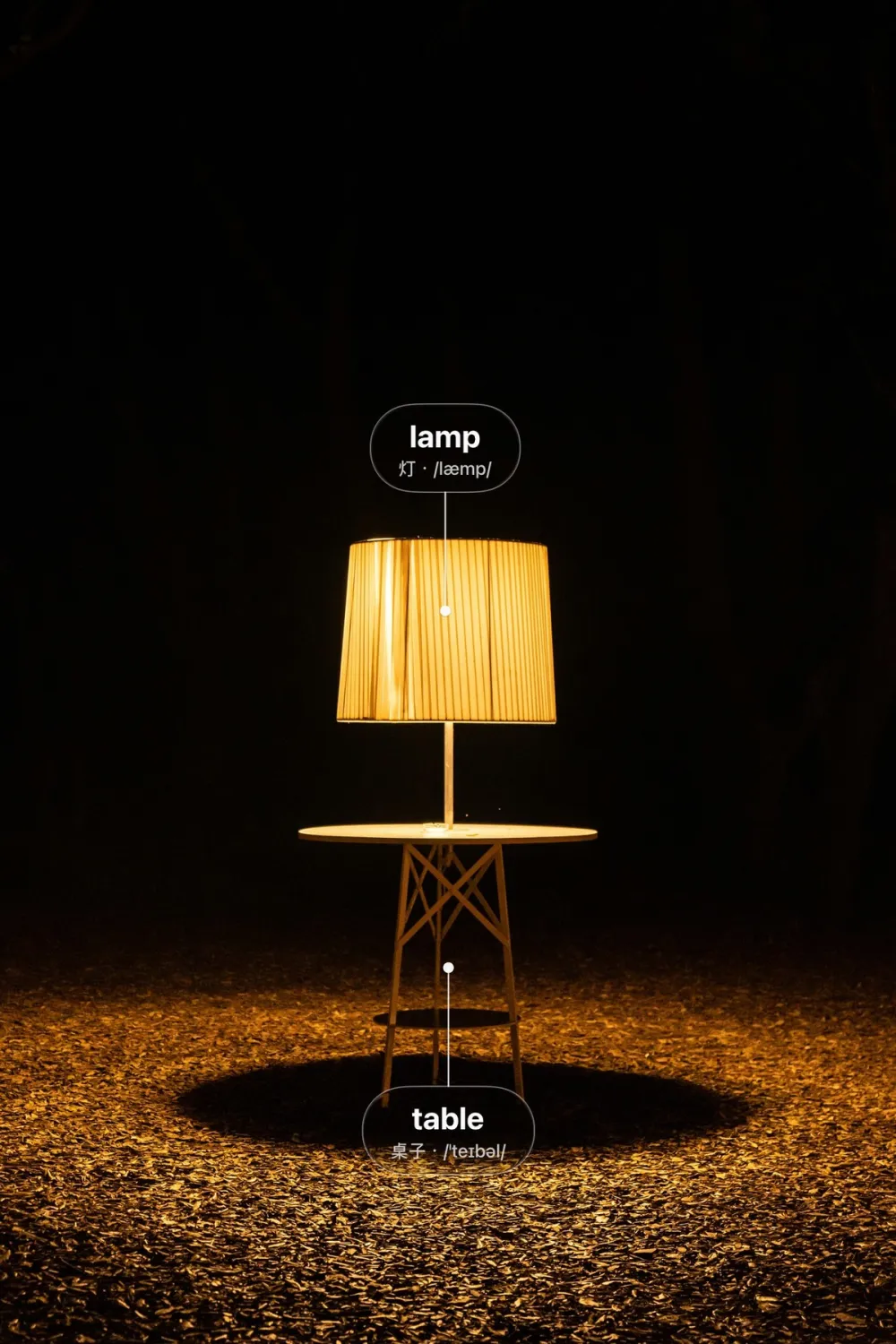
Style glass restyles a person as a glass object inside a movable window while the rest of the photo stays as it was. Words adds glass vocabulary labels on the things in the photo, with a translation and pronunciation. Calories recognizes the main food and adds a glass label with an estimate. These three need Ifscape Plus; before you unlock, the app shows a sample preview instead of running recognition or cloud styling. Style, Calories and Words send a processed copy of one image to Ifscape’s servers to return a result, and the app tells you first.
Free vs Ifscape Plus
| Access | Objects |
|---|---|
| Free to capture | Clock, Colors, Text, Ink, Vinyl |
| Try live; Plus to save | Sticker, Flute, Water, Print |
| Plus (sample preview first) | Style, Calories, Words |
Photos taken without Plus carry a small Ifscape wordmark, which Plus removes. Current prices are shown in the App Store. For a broader look at shooting liquid glass on iPhone, see the liquid glass photo effect guide.
Feature questions
Which Ifscape objects are free?
Clock, Colors, Text, Ink and Vinyl can be captured for free. Sticker, Flute, Water and Print can be tried in the viewfinder; saving them needs an Ifscape Plus subscription. Style, Calories and Words also need Ifscape Plus. Photos taken without Plus carry a small Ifscape wordmark. Current prices are shown in the App Store.
Are the calorie figures accurate?
They are estimates produced from a photo. Ifscape is not a diet-tracking or medical nutrition tool.
Do features that analyze a photo upload it?
Style glass and calorie or vocabulary tags (Calories and Words) send a processed copy of one image to Ifscape’s servers to return a result, and the app tells you first. Other objects, including Flute, Water and Print, are processed on your iPhone.